What is Mobile App Development?
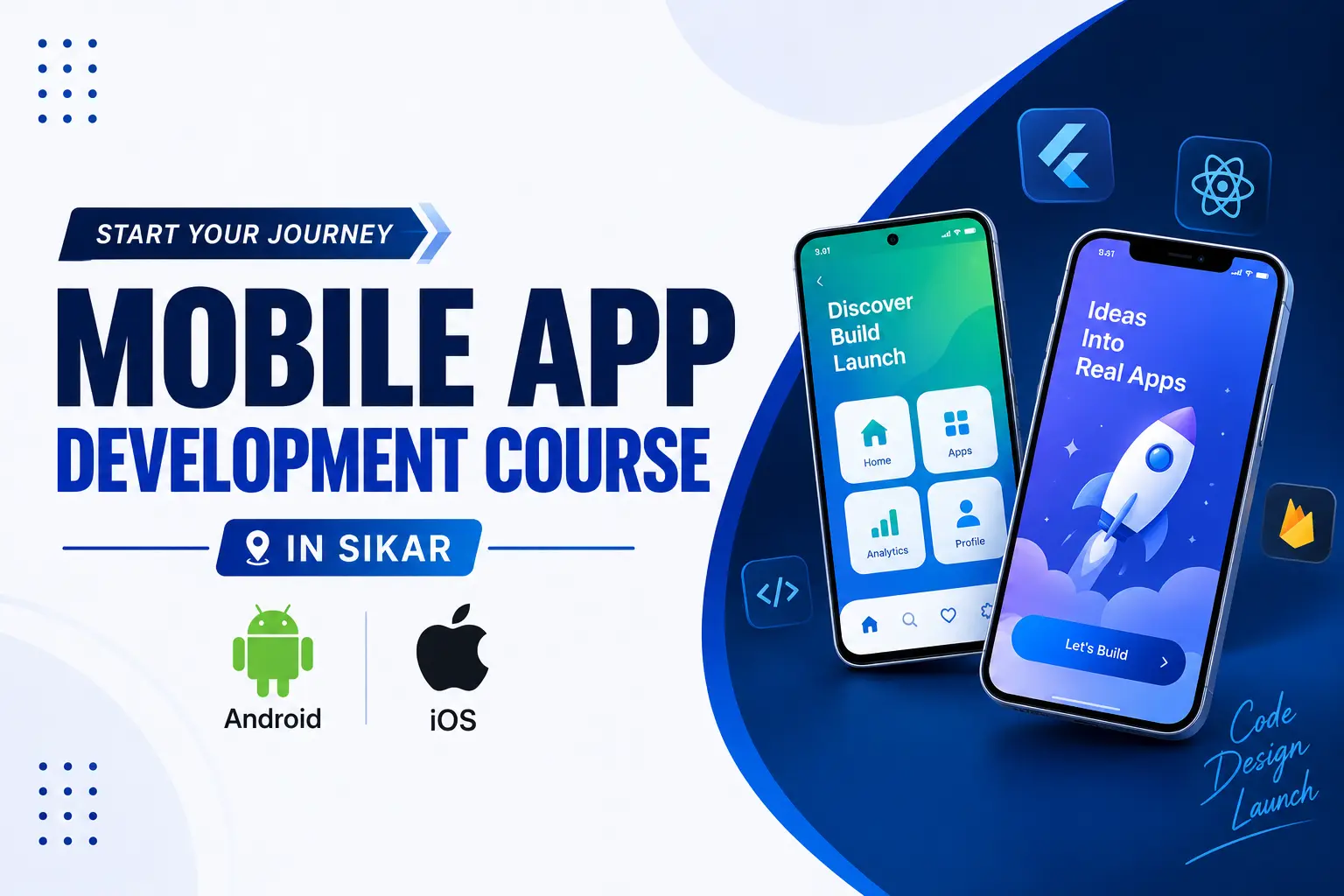
Mobile App Development is the process of designing, developing, testing, and deploying applications for smartphones and tablets.
Mobile applications are commonly developed for platforms such as Android and iOS. Developers can use different technologies and frameworks depending on the application requirements.
React Native is a popular framework for building mobile applications using JavaScript and React. It allows developers to create applications for Android and iOS while sharing a significant amount of application code.
A professional Mobile App Development course in Sikar can help students learn JavaScript, React Native, mobile UI development, navigation, APIs, databases, Firebase, state management, debugging, testing, and application deployment.
The main objective of Mobile App Development is not simply to learn programming. The goal is to build functional, responsive, scalable, and real-world mobile applications.
What is React Native?
React Native is a framework used to develop mobile applications using JavaScript and React.
React Native allows developers to build applications for Android and iOS while sharing a significant amount of application code between platforms.
Students learning React Native can understand components, JSX, props, state, hooks, mobile UI components, navigation, forms, API integration, authentication, Firebase, state management, debugging, and deployment.
React Native is therefore a practical technology for learners who want to enter modern cross-platform mobile application development.
A React Native course in Sikar can provide students with hands-on experience in building complete mobile applications rather than learning only theoretical concepts.
React Native vs Native App Development
Native Android development traditionally involves technologies such as Kotlin or Java, while native iOS development commonly involves Swift or Objective-C.
React Native provides a cross-platform development approach where developers can use JavaScript and React to build applications for both Android and iOS.
Native development can provide direct access to platform-specific capabilities, while React Native can help developers share application logic and UI code across platforms.
The appropriate technology depends on the project requirements, performance requirements, platform-specific features, development team, and application architecture.
Students interested in cross-platform development can start with JavaScript and React Native and gradually learn platform-specific concepts when required.
Why should you learn Mobile App Development?
Mobile applications are used across many industries including education, healthcare, banking, e-commerce, entertainment, food delivery, transportation, communication, and business services.
Learning Mobile App Development helps students understand how real applications are designed and developed from an initial idea to a production-ready application.
A Mobile App Development course in Sikar can provide practical exposure to JavaScript, React Native, mobile UI development, APIs, databases, Firebase, state management, backend integration, and application deployment.
Students can also learn how frontend applications communicate with backend servers and databases through APIs.
Instead of focusing only on certificates, learners should focus on developing practical skills and building applications that demonstrate their abilities.
What do you learn in a Mobile App Development course?
A complete Mobile App Development course should gradually move from programming fundamentals to React, React Native, mobile UI, navigation, APIs, databases, advanced application features, projects, testing, and deployment.
Students can begin with JavaScript programming, including variables, data types, operators, conditions, loops, functions, arrays, objects, ES6 features, modules, promises, async/await, and error handling.
React fundamentals can include components, JSX, props, state, events, hooks, forms, conditional rendering, and reusable components.
React Native training can include View, Text, Image, Button, TextInput, ScrollView, FlatList, Touchable components, styling, Flexbox, responsive layouts, and platform-specific development.
Navigation can include Stack Navigation, Tab Navigation, Drawer Navigation, nested navigation, route parameters, authentication navigation, and deep linking concepts.
API integration can include REST APIs, HTTP requests, GET, POST, PUT, DELETE, JSON, Fetch API, Axios, authentication APIs, and error handling.
Students can also learn backend and database concepts using Node.js, Express.js, MongoDB, REST APIs, authentication, JWT, and CRUD operations.
Firebase learning can include Authentication, Firestore, Realtime Database, Cloud Storage, Push Notifications, and Analytics.
State management can include Context API, Redux, Redux Toolkit, global state, and asynchronous application state.
Students can also learn application debugging, testing, performance concepts, Android builds, iOS builds, and mobile application deployment.
Android and iOS App Development with React Native
React Native allows developers to build applications for both Android and iOS using React and JavaScript.
Students can learn how to create mobile interfaces, implement navigation, integrate APIs, manage application state, handle authentication, and connect applications with backend services.
Android development can include emulator testing, Android builds, permissions, application configuration, APK generation, and Android App Bundle concepts.
iOS development can include iOS simulator testing, application configuration, iOS builds, signing concepts, and App Store deployment requirements.
Students can therefore understand the complete process of developing and preparing applications for both major mobile platforms.
Mobile App Development Roadmap
Becoming a Mobile App Developer is a step-by-step process. Students should build strong programming and application development fundamentals before moving toward advanced concepts.
A practical Mobile App Development learning path can start with JavaScript, followed by React, React Native, mobile UI development, navigation, API integration, authentication, Firebase, state management, backend development, databases, real-world projects, testing, deployment, portfolio development, and interview preparation.
A complete learning path can be understood as:
JavaScript → React → React Native → Mobile UI → Navigation → Forms & Validation → REST APIs → Authentication → Firebase → Redux Toolkit → Node.js & Express → MongoDB → Real-World Projects → AI Integration → Testing & Debugging → Android Build → iOS Build → App Deployment → GitHub Portfolio → Interview Preparation.
Learners should continuously practise coding, build applications, debug errors, read documentation, use Git and GitHub, and improve projects based on real requirements.
The goal should be to become a developer who can understand a requirement and convert it into a working mobile application.
Tools and Technologies used in Mobile App Development
Mobile App Developers use different tools depending on the project, platform, technology stack, and development requirements.
JavaScript is an important programming language for React Native development and is used for application logic, data handling, API communication, and user interactions.
React provides the component-based development approach used as the foundation for React Native applications.
React Native provides components and APIs required for building mobile applications for Android and iOS.
Expo can simplify React Native development, testing, device access, and application builds for many projects.
Android Studio and Android SDK tools can be used for Android development, emulator testing, debugging, and application builds.
Xcode is used for iOS development, simulator testing, application configuration, and iOS builds.
Redux Toolkit can be used for managing complex application state.
Firebase can provide authentication, databases, storage, notifications, and other backend services.
Node.js, Express.js, and MongoDB can be used to create backend services and databases for full-stack mobile applications.
Git and GitHub are important for source-code management, collaboration, version control, and maintaining project portfolios.
Postman can be used for testing REST APIs during application development.
Real-World Mobile App Development Projects
Project work is one of the most important parts of becoming job-ready in Mobile App Development. Projects allow students to apply programming, UI development, API integration, databases, authentication, and problem-solving skills.
Beginner projects can include Calculator App, To-Do App, Notes App, Digital Clock, Weather App, Quiz App, and simple utility applications.
Intermediate projects can include Expense Tracker, News App, Student Management App, Attendance App, Authentication App, Food Ordering App, and basic E-Commerce applications.
Advanced projects can include E-Commerce applications, Food Delivery applications, Learning Management applications, Booking applications, Social Media applications, Chat applications, and full-stack mobile applications.
Modern projects can also integrate AI features such as AI chat assistants, document assistants, recommendation systems, natural-language interfaces, and AI-powered search.
Every major project should ideally include problem definition, UI design, application architecture, API integration, authentication, database connectivity, error handling, testing, and deployment where appropriate.
Role of AI in Mobile App Development
Artificial Intelligence is becoming an important part of modern application development. Mobile applications can integrate AI services to provide intelligent features and automated experiences.
AI can be used in mobile applications for chatbots, AI assistants, text generation, image generation, speech-to-text, text-to-speech, document analysis, recommendations, intelligent search, and content processing.
Students can learn how a React Native application communicates with an AI service through an API.
A typical AI-powered mobile application can follow a flow such as React Native App → Backend/API → AI Model → Response → Mobile UI.
Students can also learn basic concepts of AI APIs, prompt engineering, API security, responsible AI usage, and handling AI-generated responses.
AI tools can improve development productivity, but students should still understand JavaScript, React Native, APIs, databases, application architecture, debugging, and security fundamentals.
Career Opportunities after Mobile App Development
After developing strong technical and practical skills, learners can explore different entry-level and junior technology roles.
Possible career paths include React Native Developer, Mobile App Developer, Android Developer, iOS Developer, React Developer, Frontend Developer, Full Stack Developer, Mobile Application Developer, App Development Intern, and Freelance App Developer.
Learners with strong React Native skills can work on cross-platform mobile applications and contribute to Android and iOS projects.
Students who also learn Node.js, Express.js, MongoDB, APIs, and authentication can move toward full-stack mobile application development.
Mobile App Development skills can also support freelance projects, startup applications, business applications, SaaS products, and independent app development.
Career growth depends on technical skills, project experience, problem-solving ability, communication, portfolio quality, continuous learning, and individual employer requirements.
Skills required to become a Mobile App Developer
A Mobile App Developer needs a combination of programming, application development, problem-solving, debugging, and communication skills.
Important technical skills include JavaScript, React, React Native, mobile UI development, navigation, API integration, REST APIs, Firebase, state management, Git, GitHub, and debugging.
Additional skills can include Node.js, Express.js, MongoDB, authentication, JWT, database fundamentals, application security, testing, and deployment.
Modern developers can also benefit from understanding AI APIs and integrating AI-powered features into mobile applications.
Problem-solving is important because mobile development involves converting application requirements into user interfaces, business logic, API communication, and reliable application behaviour.
Students should also develop communication skills, documentation habits, project presentation skills, GitHub practices, and interview problem-solving skills.
Learning Mobile App Development in Sikar
Students in Sikar who want to build a career in Mobile App Development can start by developing strong programming fundamentals and gradually move toward React Native and real-world application development.
Sikar has a large student population preparing for higher education and professional careers. Students from different academic backgrounds can explore Mobile App Development based on their interests and career goals.
Students do not necessarily need to move to a major metro city to start learning the fundamentals of Mobile App Development. With structured classroom training, practical labs, projects, documentation, and consistent self-practice, learners can build their skills from Sikar.
A Mobile App Development course in Sikar should ideally provide practical exposure to JavaScript, React, React Native, Android and iOS development, APIs, Firebase, databases, state management, Git/GitHub, real-world projects, and deployment.
Students should also focus on building a portfolio that demonstrates what they can actually build rather than relying only on a course certificate.
How to choose a Mobile App Development course in Sikar
When comparing Mobile App Development courses in Sikar, students should not choose a course only because of its name, duration, certificate, or promotional claims.
Check whether the curriculum covers JavaScript, React, React Native, mobile UI development, navigation, APIs, Firebase, Redux Toolkit, backend integration, databases, Git/GitHub, testing, debugging, and deployment.
Students should also check whether the course provides Android and iOS application development experience rather than focusing only on basic mobile UI.
Hands-on training should include coding exercises, assignments, API integration, debugging, case studies, and complete project development.
Before joining a Mobile App Development institute in Sikar, students should also evaluate trainer experience, lab facilities, batch size, project quality, GitHub and portfolio guidance, internship support, interview preparation, and career guidance.
The right course structure should provide a balanced combination of programming fundamentals, React Native development, real-world projects, modern technologies, and career preparation.
Who can learn Mobile App Development?
Mobile App Development can be learned by college students, graduates, beginners, working professionals, and learners who want to move into application development careers.
Students from BCA, MCA, BSc Computer Science, BTech, BE, BBA, BCom, and other backgrounds can explore Mobile App Development based on their interests and learning goals.
Students with previous programming experience may find JavaScript and React concepts easier, while beginners can start from programming fundamentals.
Students from non-technical backgrounds can also begin learning Mobile App Development, but they may need additional time to build programming and logical-thinking fundamentals.
Beginners should select a learning path that starts with JavaScript and React fundamentals instead of directly jumping into advanced application development.
Do you need a specific degree for Mobile App Development?
There is no single academic background that automatically makes someone a Mobile App Developer. Different organisations may have different educational requirements.
A background in computer science, information technology, engineering, or another technical field can provide useful programming foundations.
However, practical skills are extremely important. Learners should develop programming, mobile development, API integration, debugging, problem-solving, and project-building abilities.
Students should check the educational requirements of the specific jobs they want to apply for because some organisations may prefer or require particular degrees or qualifications.
For beginners, the most important starting point is to build strong programming fundamentals and gradually progress toward real-world mobile application projects.
How to build a Mobile App Development portfolio
A strong Mobile App Development portfolio can help students demonstrate their practical development skills to recruiters and potential clients.
A portfolio should include multiple applications covering different types of problems instead of several projects that all use the same functionality.
A good portfolio can include a utility application, API-based application, Firebase application, authentication application, E-Commerce application, full-stack mobile application, and at least one modern AI-powered mobile application.
Each project should explain the problem, features, technologies used, application architecture, API integration, database, authentication, screenshots, and development process.
Students should use GitHub to maintain clean repositories with useful README files, organised code, screenshots, setup instructions, and project explanations.
A personal portfolio website can further showcase projects, technical skills, certifications, achievements, resume, GitHub profile, and contact information.
Mobile App Development Interview Preparation
Mobile App Development interview preparation should cover both programming fundamentals and practical application development.
Students should prepare JavaScript, React, React Native, components, props, state, hooks, navigation, forms, API integration, asynchronous programming, Firebase, Redux Toolkit, Git, debugging, and mobile UI concepts.
React Native interviews may include questions about component lifecycle, hooks, performance, navigation, platform-specific development, API handling, state management, and application architecture.
Students should also understand authentication, API security, local storage, error handling, debugging, and basic application performance concepts.
Modern mobile development interviews may also include questions about AI API integration, application architecture, and responsible handling of AI-generated content depending on the role.
Students should practise explaining their projects clearly. Interviewers may ask why a particular technology, architecture, API, database, or state-management approach was selected.
Next Steps to Start a Mobile App Development Career
If you are searching for a Mobile App Development course in Sikar, compare the curriculum, practical training, React Native coverage, Android and iOS development, projects, trainers, lab environment, portfolio support, and career guidance before choosing a course.
Start with JavaScript and React fundamentals rather than directly jumping into advanced mobile development.
After learning React Native fundamentals, move into navigation, APIs, authentication, Firebase, Redux Toolkit, backend development, databases, real-world projects, testing, debugging, and deployment.
Build real-world projects throughout the learning process. Do not wait until the end of the course to start projects.
Create a GitHub portfolio, prepare a professional resume, practise technical interviews, apply for internships, and continuously improve your skills based on real-world requirements.
The goal should not simply be to complete a Mobile App Development course. The goal should be to become capable of designing, developing, testing, and deploying real mobile applications for Android and iOS.
Success Point Team
Published By Success Point Team, Sikar.
Frequently asked questions
What is Mobile App Development?
Mobile App Development is the process of designing, developing, testing, and deploying applications for smartphones and tablets such as Android and iOS devices.
What is a Mobile App Development course?
A Mobile App Development course teaches programming, React Native, mobile UI development, navigation, APIs, Firebase, databases, state management, real-world projects, debugging, and app deployment.
What is React Native?
React Native is a framework based on JavaScript and React that can be used to build mobile applications for Android and iOS.
Is React Native good for beginners?
Beginners can learn React Native by first developing a basic understanding of JavaScript and React and then gradually moving into mobile application development.
Can I learn Mobile App Development in Sikar?
Yes. Students can learn Mobile App Development in Sikar through structured training, practical labs, assignments, real-world projects, self-practice, and portfolio development.
Can React Native build both Android and iOS apps?
Yes. React Native can be used to develop applications for both Android and iOS while allowing developers to share a significant amount of application code.
Do I need JavaScript for React Native?
Yes. JavaScript is an important programming language for React Native development. Understanding JavaScript fundamentals makes learning React Native easier.
What is the React Native course syllabus?
A React Native syllabus can include JavaScript, React, React Native components, mobile UI, navigation, forms, API integration, authentication, Firebase, Redux Toolkit, backend integration, databases, projects, debugging, testing, and deployment.
Can BCA students learn Mobile App Development?
Yes. BCA students already have exposure to computer and programming concepts and can build additional skills in JavaScript, React, React Native, APIs, databases, and mobile application development.
Can I learn Mobile App Development after 12th?
Yes. Students can start learning Mobile App Development after 12th by beginning with programming fundamentals and gradually progressing to JavaScript, React, and React Native.
Do I need a degree to become a Mobile App Developer?
Educational requirements vary by employer. Practical programming skills, mobile development knowledge, projects, problem-solving ability, and relevant experience are also important.
What tools are used in React Native development?
Common tools include JavaScript, React, React Native, Expo, VS Code, Android Studio, Xcode, Git, GitHub, Firebase, Redux Toolkit, Node.js, Express.js, MongoDB, and Postman.
Is Firebase used in Mobile App Development?
Yes. Firebase can provide features such as authentication, Firestore, Realtime Database, cloud storage, push notifications, and analytics for mobile applications.
Is Node.js required for React Native?
Node.js is not required for every React Native application, but it is useful when building backend APIs and full-stack mobile applications.
What projects should I build for Mobile App Development?
Useful projects can include To-Do apps, Weather apps, Expense Trackers, News apps, Authentication apps, E-Commerce apps, Food Delivery apps, Learning Management apps, Chat apps, and AI-powered mobile applications.
Can I build an AI app using React Native?
Yes. React Native applications can integrate AI services through APIs to build features such as chat assistants, AI search, text generation, document analysis, recommendations, and other AI-powered functionality.
What is the difference between React Native and Android development?
Traditional Android development commonly uses Kotlin or Java, while React Native uses JavaScript and React to build applications that can target Android and iOS.
Can React Native be used for iOS development?
Yes. React Native can be used to develop iOS applications along with Android applications. iOS development and builds generally involve Apple's development tools and requirements.
Can I get an internship after learning Mobile App Development?
Students with practical skills and a strong project portfolio can apply for Mobile App Development, React Native, Frontend, and related internships. Internship availability depends on individual organisations and their hiring requirements.
How long does it take to learn Mobile App Development?
Learning time depends on your programming background, practice time, course structure, project work, and learning goals. Becoming job-ready requires consistent practice and practical project experience.
Is a Mobile App Development certificate enough to get a job?
A certificate alone does not guarantee a job. Practical programming skills, projects, problem-solving ability, technical knowledge, communication, interview preparation, and relevant experience are important.
How can I build a Mobile App Development portfolio?
Build multiple practical applications, document them properly, maintain clean GitHub repositories, include screenshots and project explanations, and showcase your strongest projects through a portfolio website.
What should a Mobile App Development course in Sikar include?
A comprehensive course can include JavaScript, React, React Native, Android and iOS development, navigation, APIs, Firebase, Redux Toolkit, backend integration, MongoDB, Git/GitHub, real-world projects, AI integration, testing, debugging, and deployment.
Can I become a Full Stack Mobile App Developer?
Yes. Students can combine React Native with Node.js, Express.js, MongoDB, REST APIs, authentication, and database development to build full-stack mobile applications.
What are the career options after Mobile App Development?
Possible career paths include React Native Developer, Mobile App Developer, Android Developer, iOS Developer, React Developer, Frontend Developer, Full Stack Developer, Mobile Application Developer, App Development Intern, and Freelance App Developer.
Is AI important for Mobile App Development?
AI is becoming increasingly useful in modern application development. Developers can learn AI APIs and integrate features such as chatbots, recommendations, intelligent search, document analysis, and AI assistants into mobile applications.
Courses mentioned in this article
 Graduation Courses
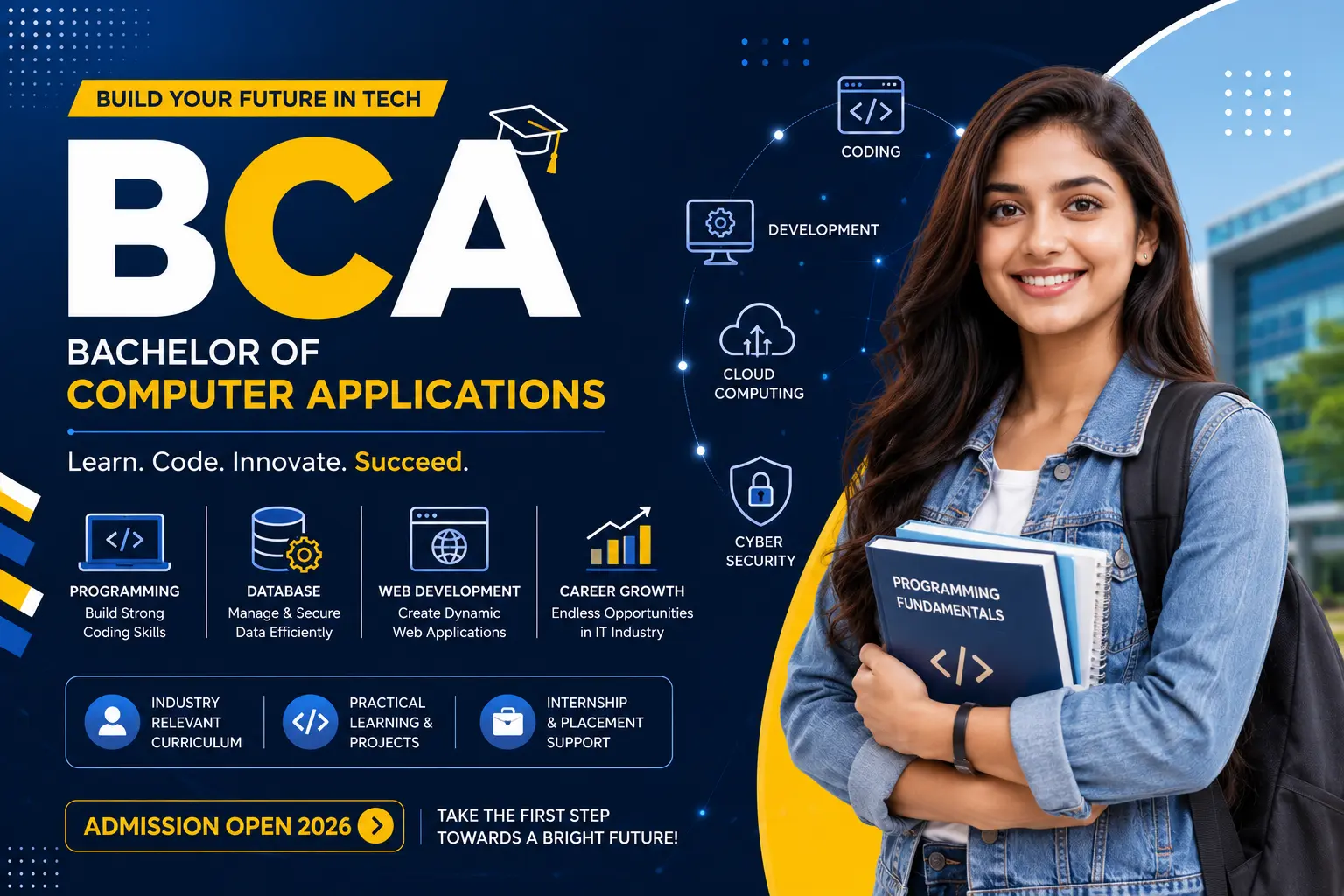
BCA (Bachelor of Computer Applications)
A 3‑year honours‑track degree built around real software development — the best BCA in Sikar.
 Post Graduation Courses
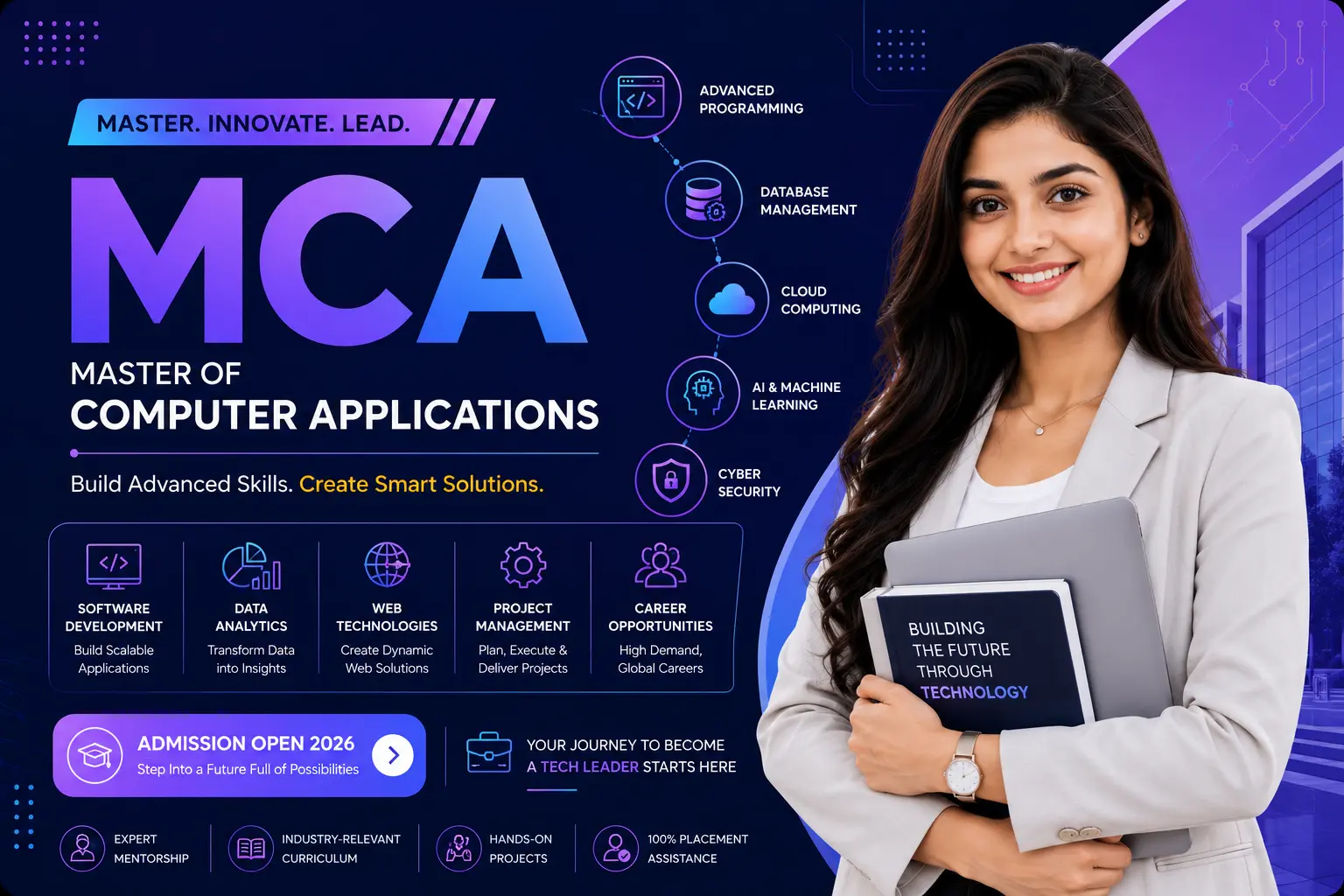
MCA (Master of Computer Applications)
A 2‑year postgraduate program for graduates aiming at senior software roles — top MCA in Sikar.
 Professional Courses
Mobile App Development
Build Android and iOS apps with Flutter or React Native — the best app development course in Sikar.